

Power Sphere Store
UPERFECT 22" Portable Touchscreen Monitor 2560*1440 Built-in VESA External Second Touch Screen Display For Laptop/PC/Phone MAC
UPERFECT 22" Portable Touchscreen Monitor 2560*1440 Built-in VESA External Second Touch Screen Display For Laptop/PC/Phone MAC
Couldn't load pickup availability
SPECIFICATIONS
Application: Laptop
Black and White Response Time: 20 ms
Bracket Type: Swivel Lift Bracket
Brand Name: Uperfect
Brightness: 300cd/m
Built-in Speaker: Yes
Certification: CE,FCC,RoHS,pse
Contrast Ratio: 1000:1
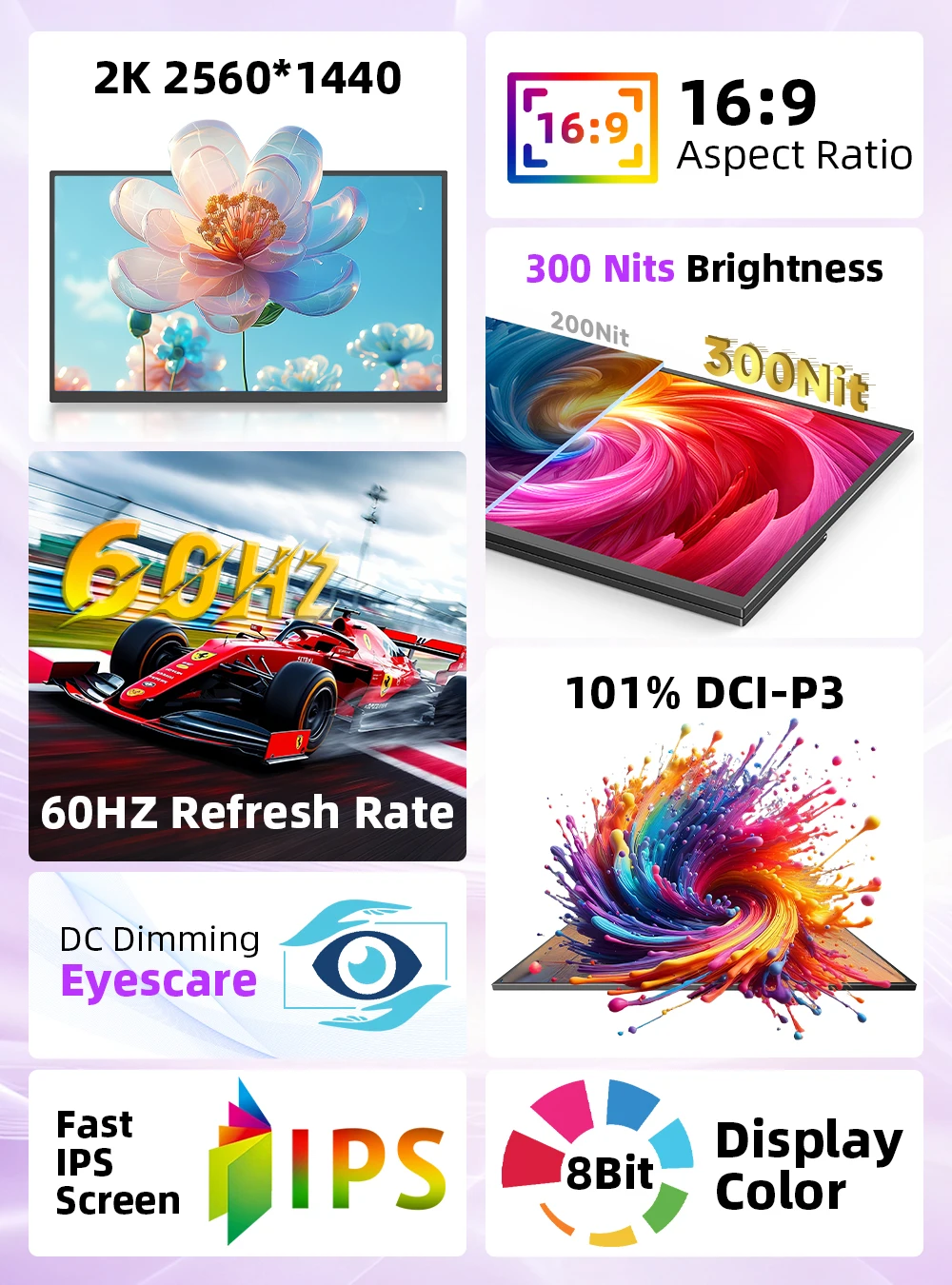
Display Ratio: 16:9
Feature: Speaker,Touch Screen,Gaming
High-Dynamic Range: Other
Horizontal Viewing Angle: 178°
Interface Type: HDMI-Compatible
Matrix color depth: 8 bit
Panel Type: IPS
Pixel Pitch: 0.27mm
Plug Type: EU Plug
Products Status: STOCK
Refresh Rate: 60 Hz
Refresh rate sync technology: AMD FreeSync
Resolution: 2560x1440
Response Time: 20ms
Screen Type: WLED
Screen curvature: None
Screen surface: Glossy
Vertical Viewing Angle: 178°
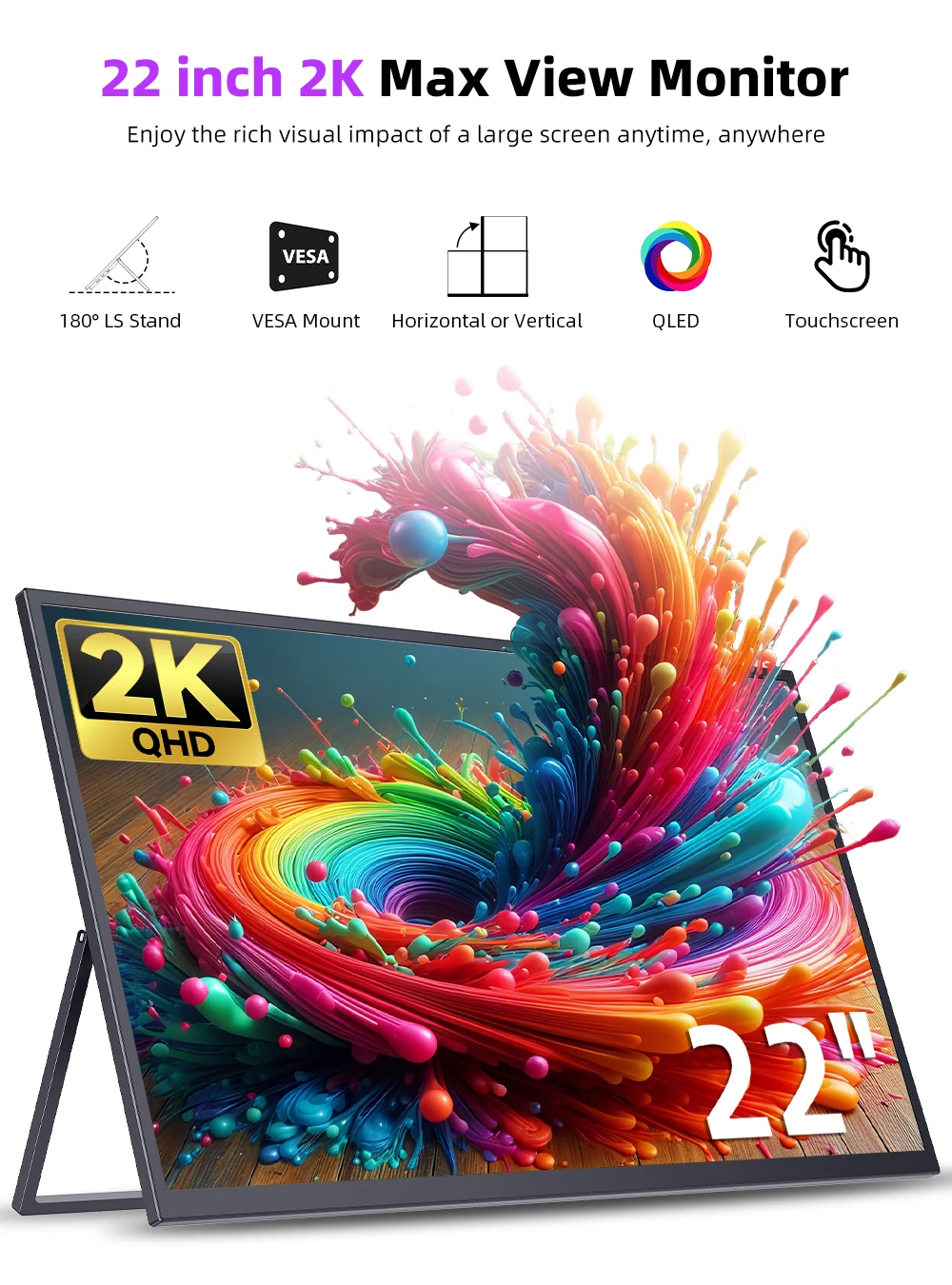
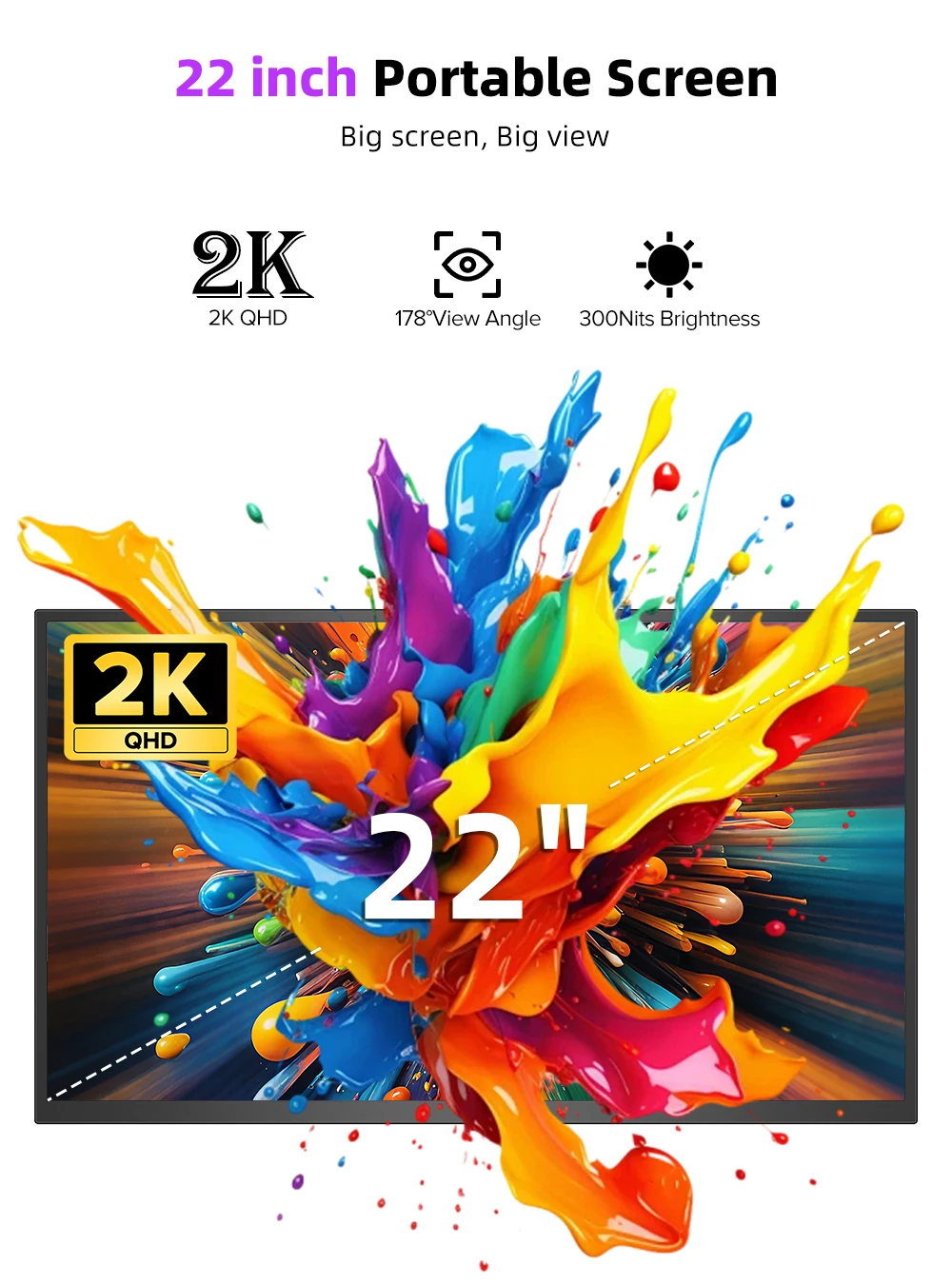
22 Inch Portable Touchscreen Display
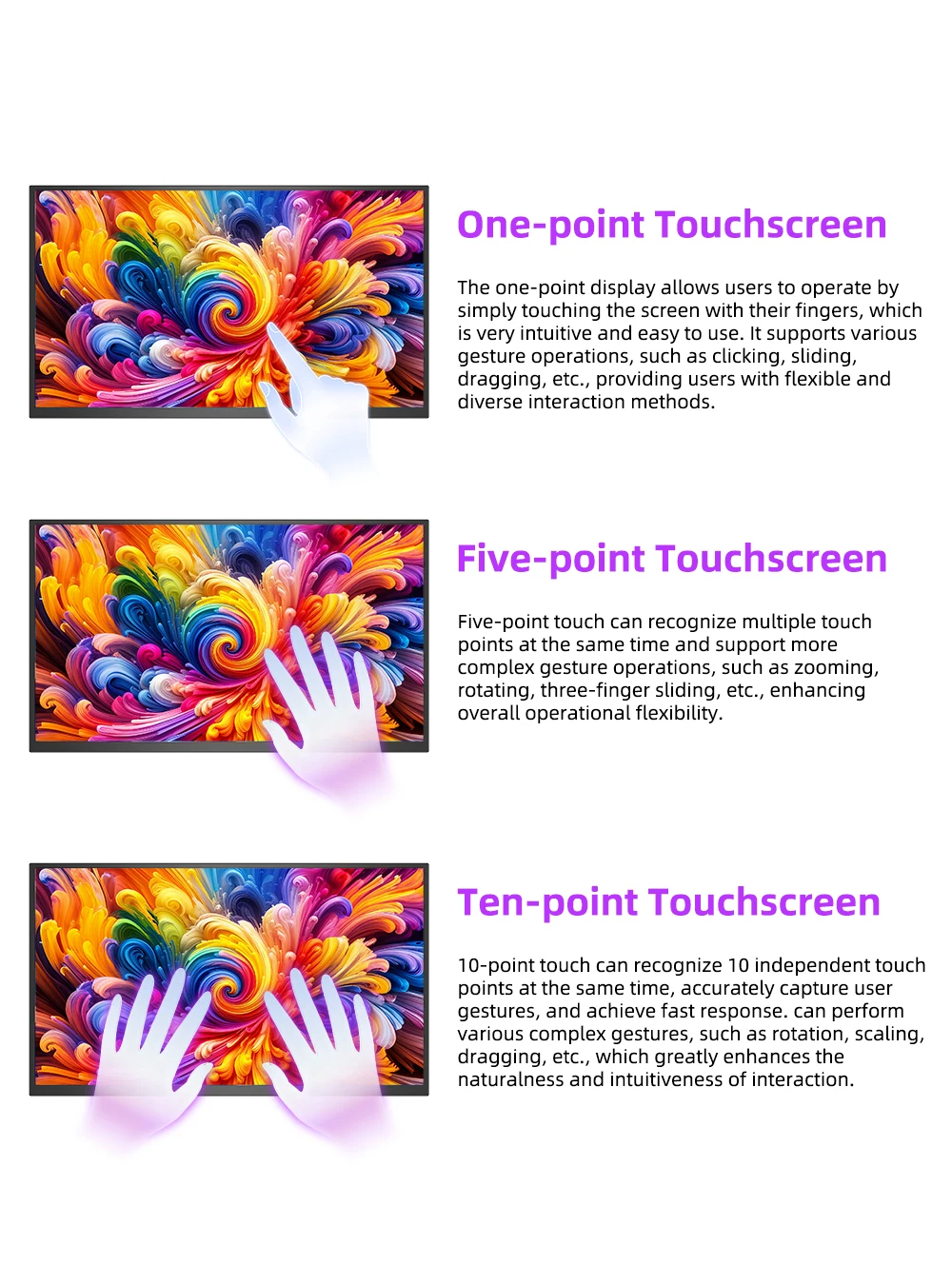
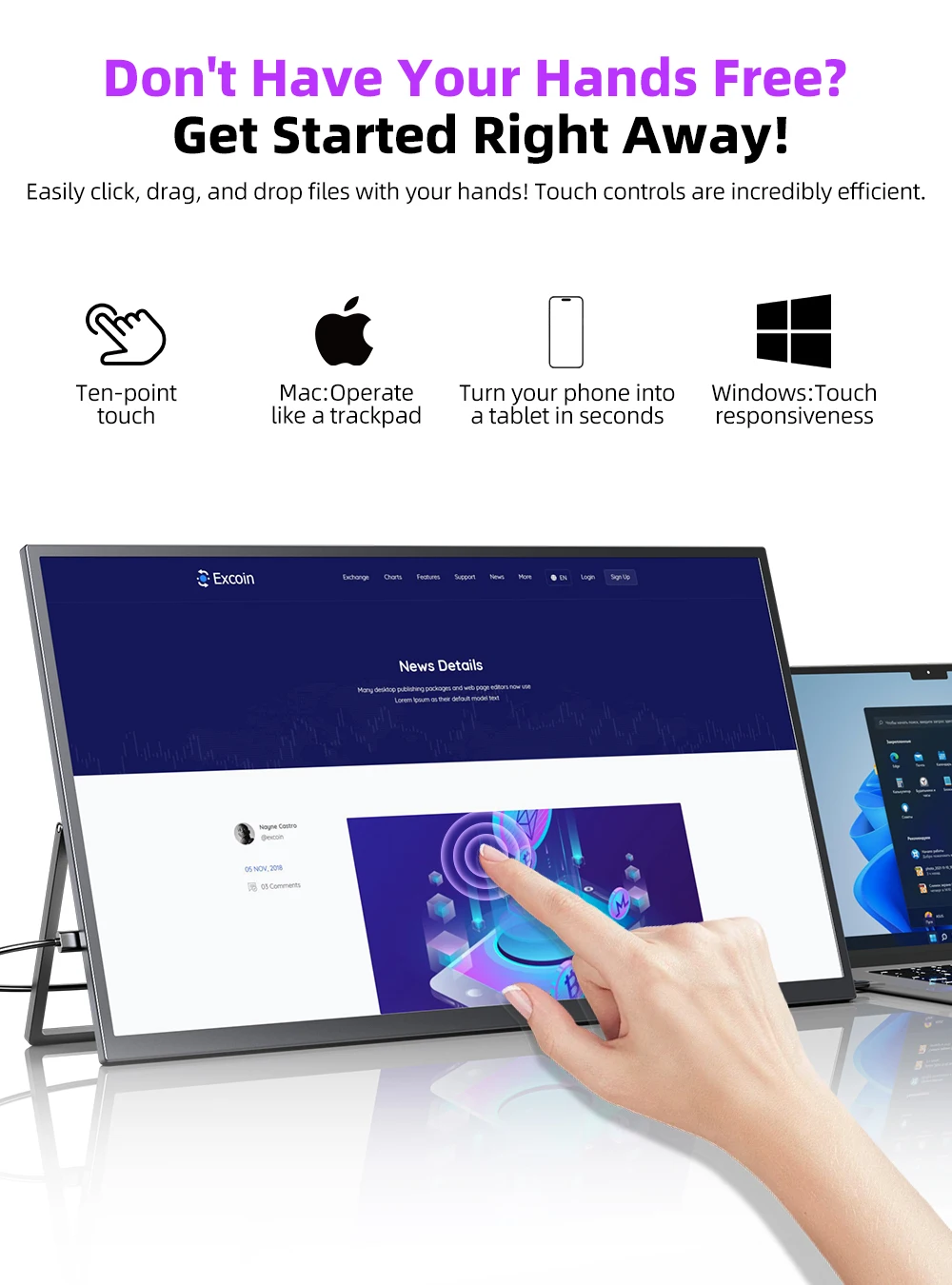
Experience seamless interaction with the multi-touch capability of this large portable touchscreen monitor. Easily swipe, zoom, and navigate through applications, enhancing productivity for professionals who require an intuitive interface for presentations and creative work. Please Note: The touch functionallity of this 22 inch portable monitor is not available when the monitor is connected to devices such as Apple devices, PS3/4/5, Switch, X-box, Steam-Deck, Fire TV stick/ cube, etc
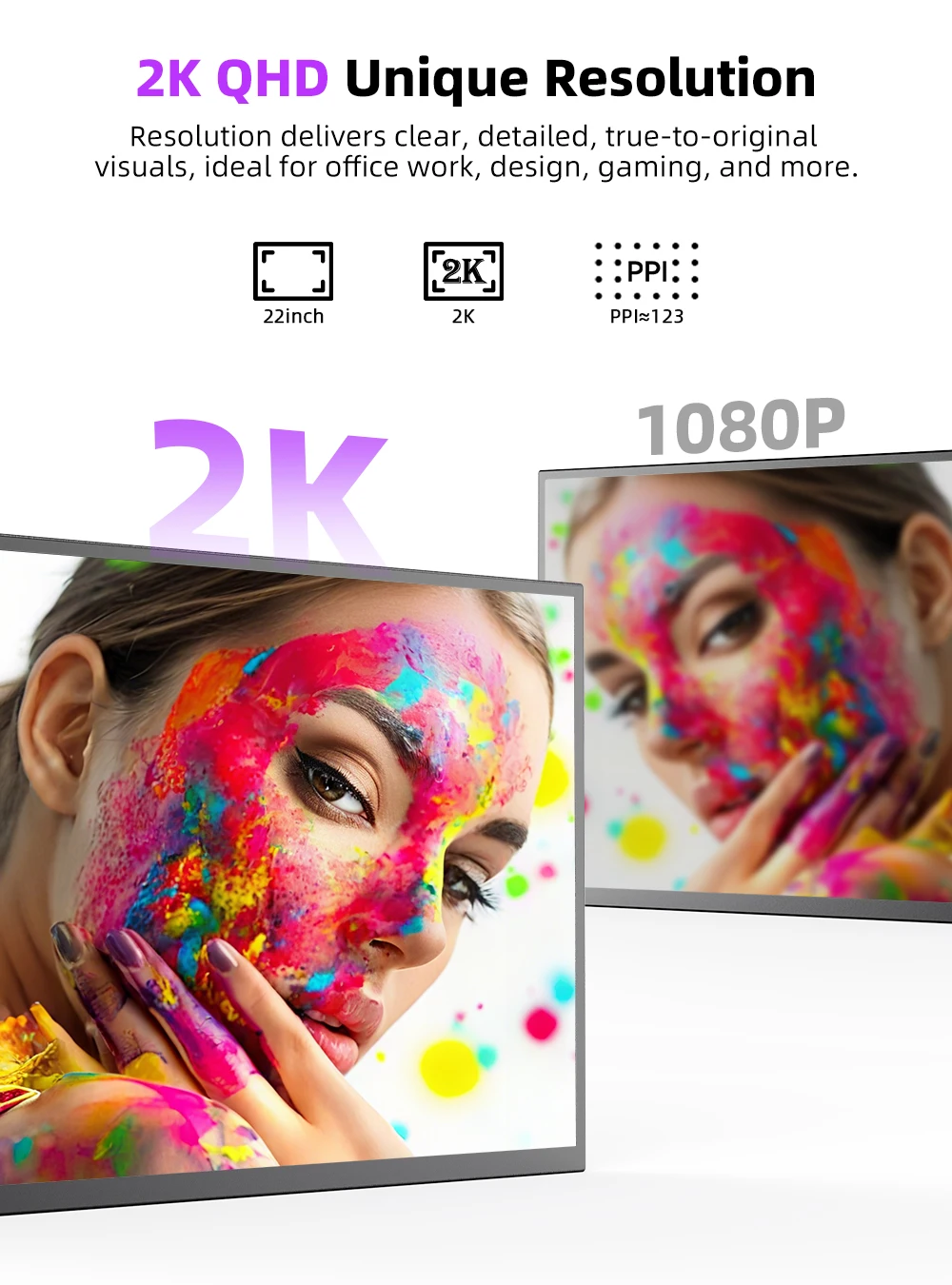
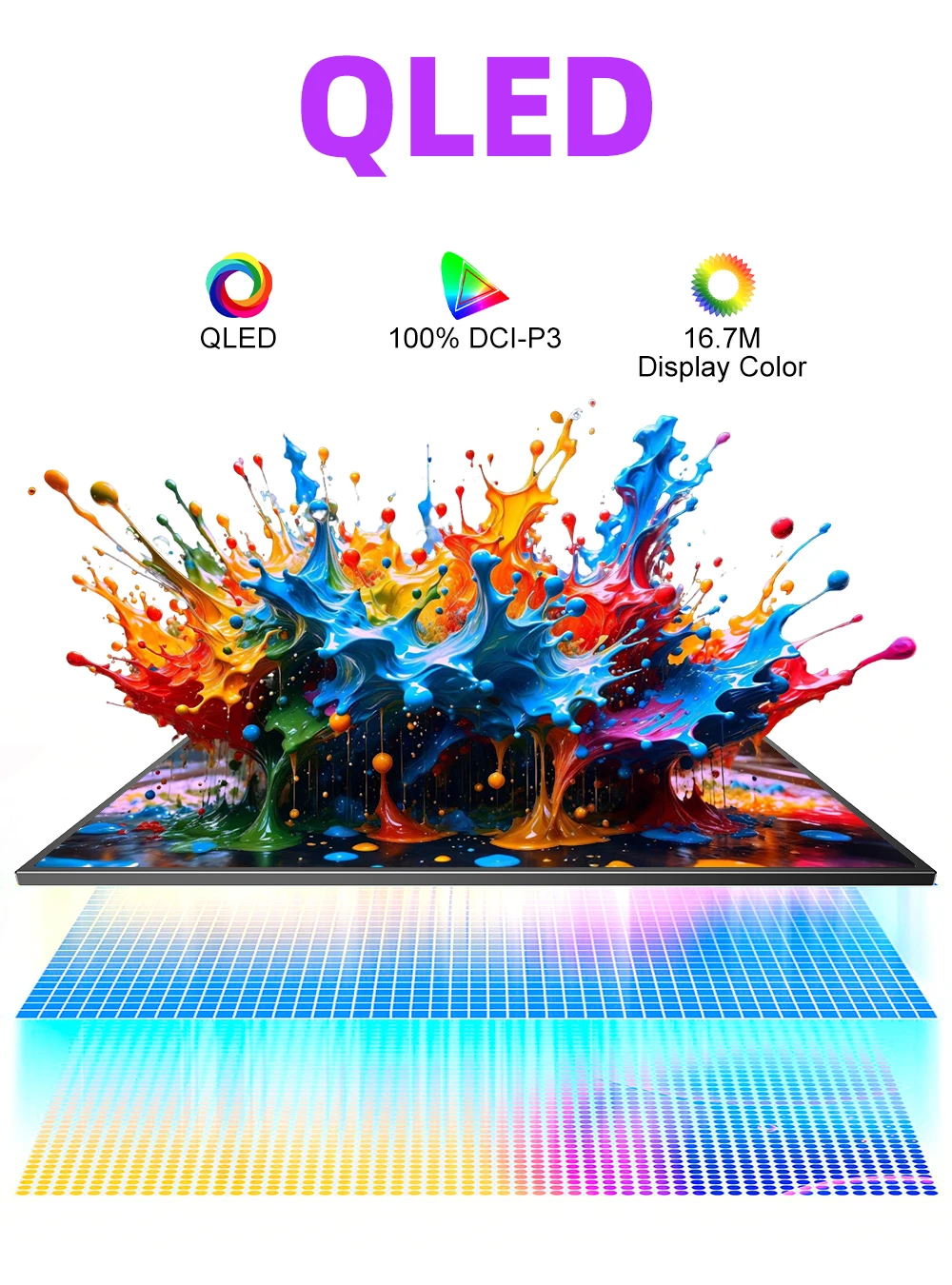
2K QLED & Eye Care
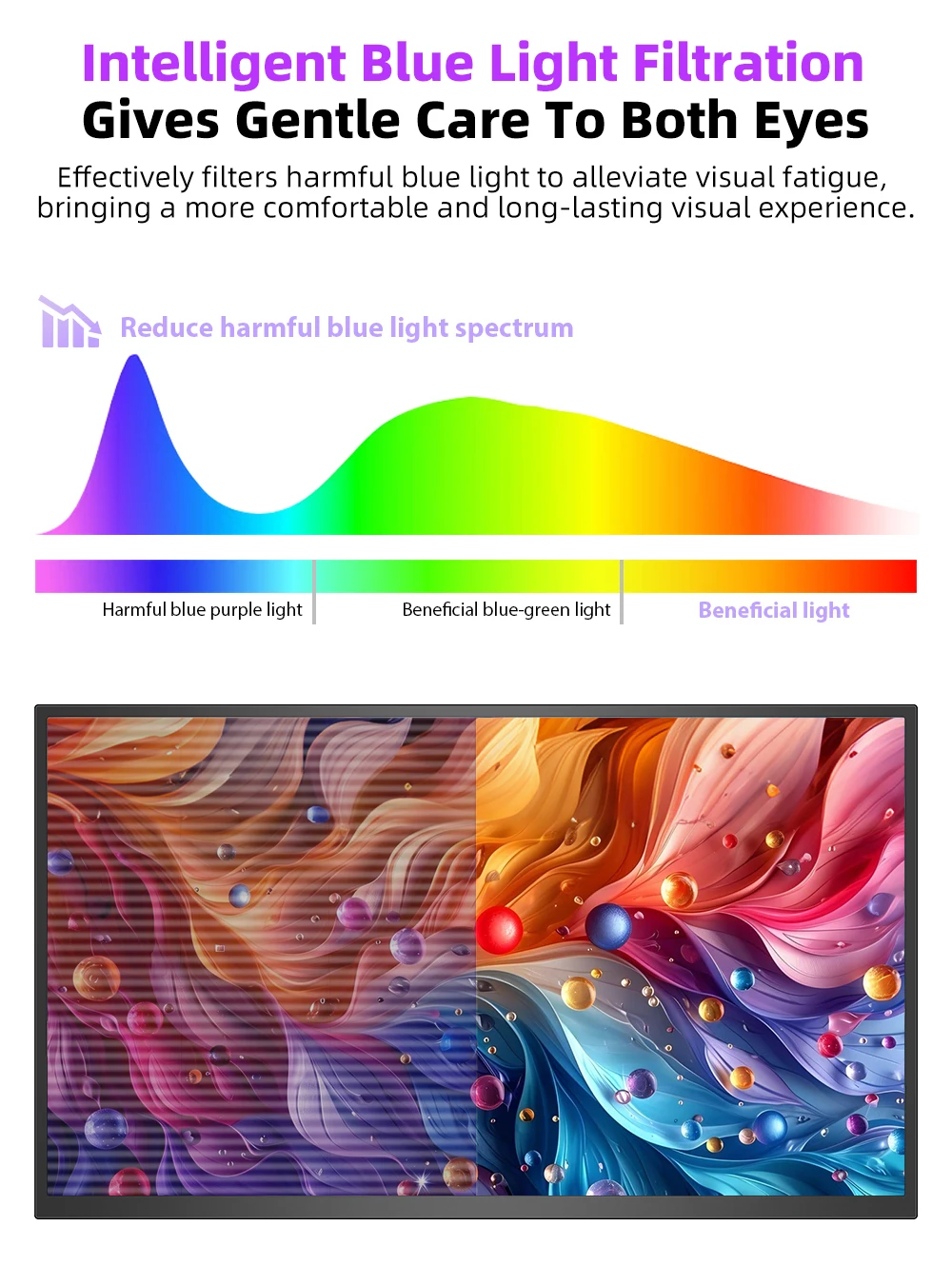
The UPERFECT 22" QLED monitor Enjoy vibrant and accurate colors with 100% sRGB color gamut coverage, 300 nits of brightness, low blue light and a 1000:1 contrast ratio, making this portable monitor ideal for professional and entertainment use.
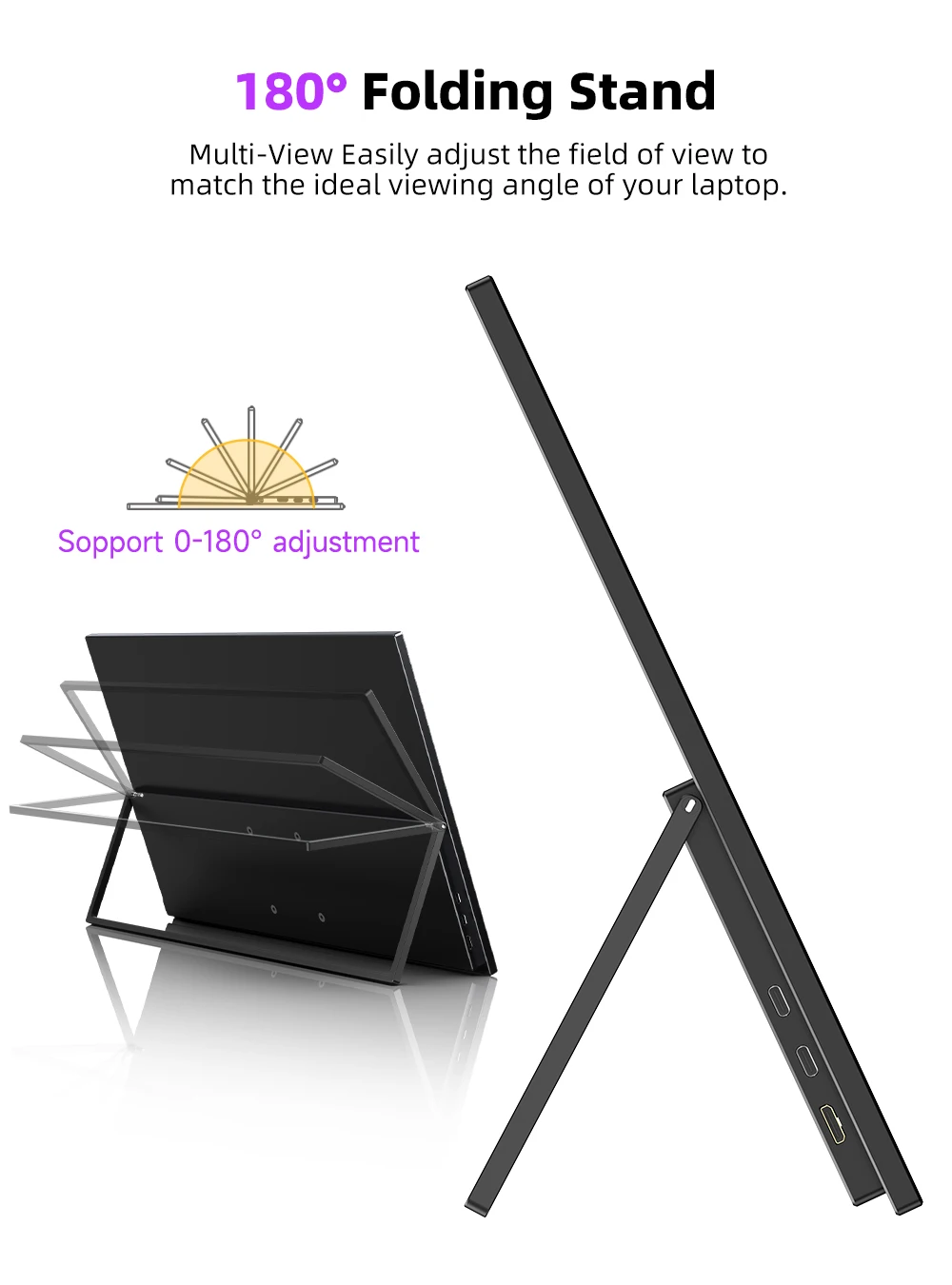
Slim, Light & Portable
This portable monitor is designed to be thin, slim & light. The ultra-portable design makes it easy to carry for business trip or travelling; Additionally, the smaller screen size enhances energy efficiency and cost-effectiveness
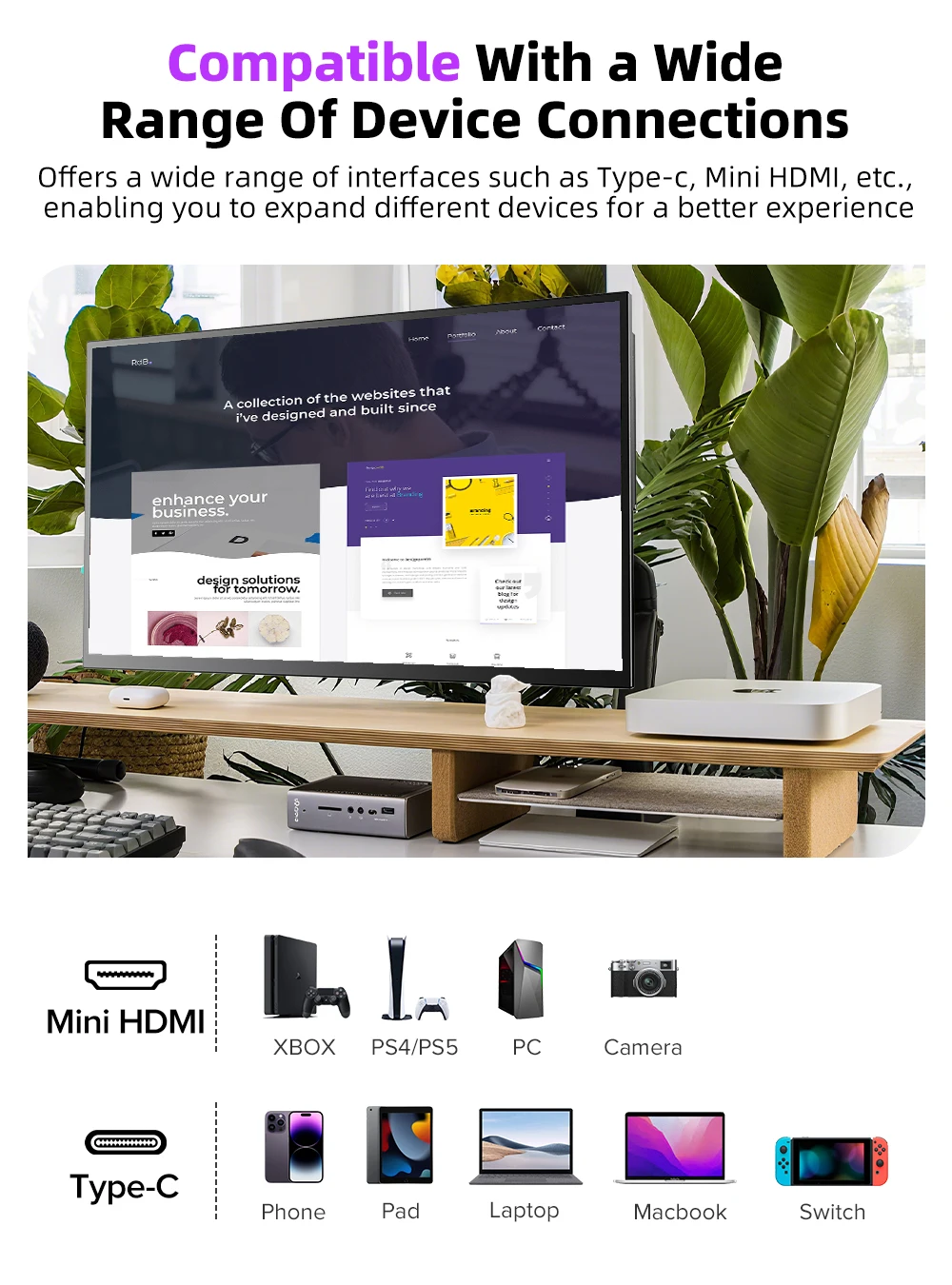
Versatile Connectivity Options
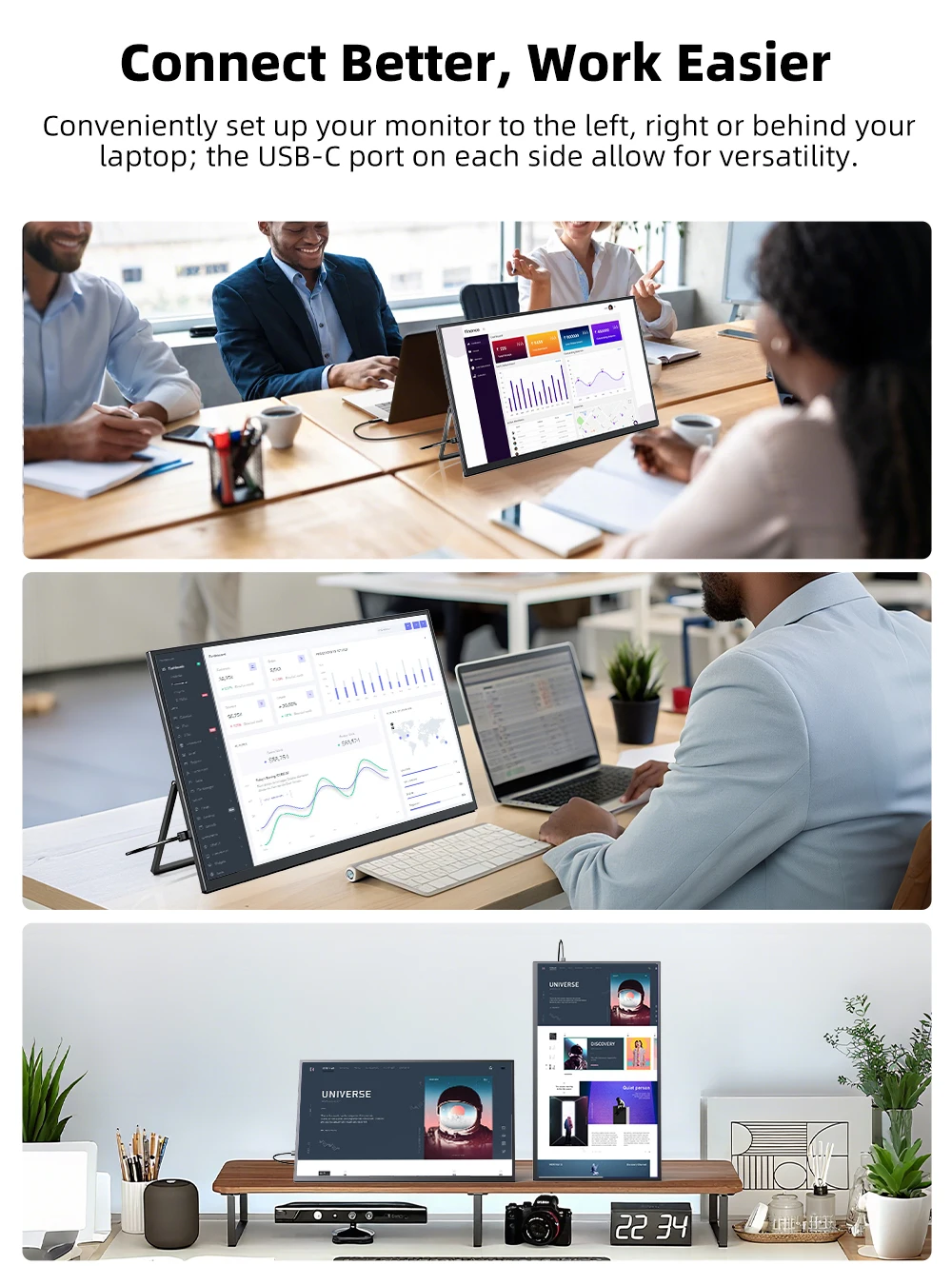
Equipped with USB-C and HDMI ports, this external second touch screen allows for easy connection to a wide range of devices, including laptops, PCs, and smartphones. Please Note: Please connect the DC port via the power adapter to provide stable power supply for this large portable touch screen monitor before connecting to the devices.
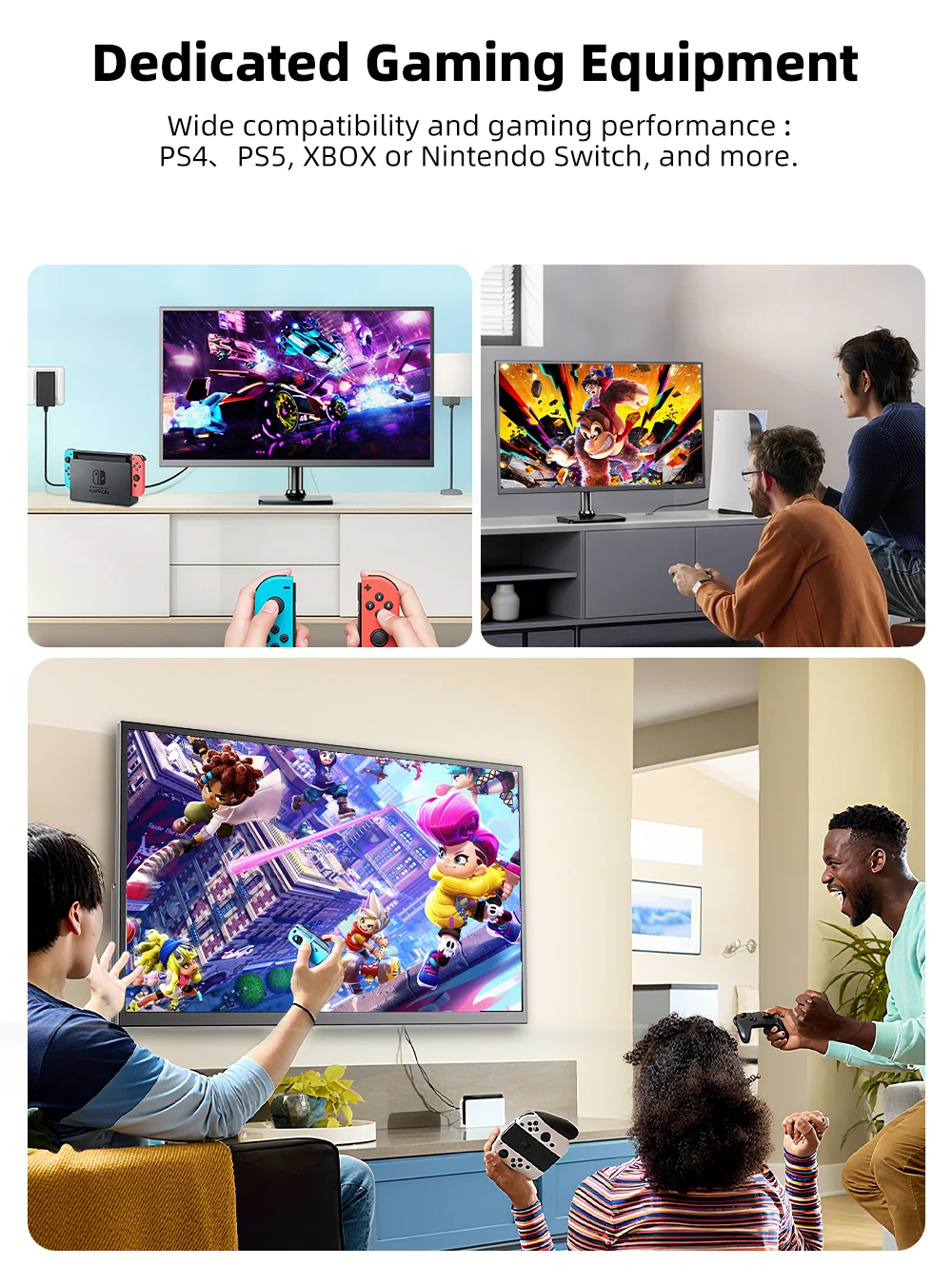
What's In the Box?
1 *22" 2K Touch Monitor
1 * MINI HDMI cable (4K)
2 * C-C line
1 * U-C line
4 * VESA screws M4 * 4 set
1 * PD 30W power head
1 * Instruction manual
UPERFECT 22 "2k Touch Monitor
Panel Type: 22” 2k QLED TouchScreen
Resolution: 2560*1440 QLED
Display Color: 16.7M
Visual Angle: 178° Full View Angle
Contrast Ratio: 1000:1
Brightness: 300 cd/㎡
Refresh Rate: 60Hz
NTSC: 72%
sRGB: 100%
Response time : 20ms
Display area: 475.392(H) × 267.408(V)
Bulit-in Speakers: Dual 8Ω 1W Speakers
Input Interface:
1 * mini HDMI (signal source)
2 * Type C (fully functional type C, USB PD protocol can provide power and transmit signals)
1*USB OTG
1 * 3.5mm headphone jack
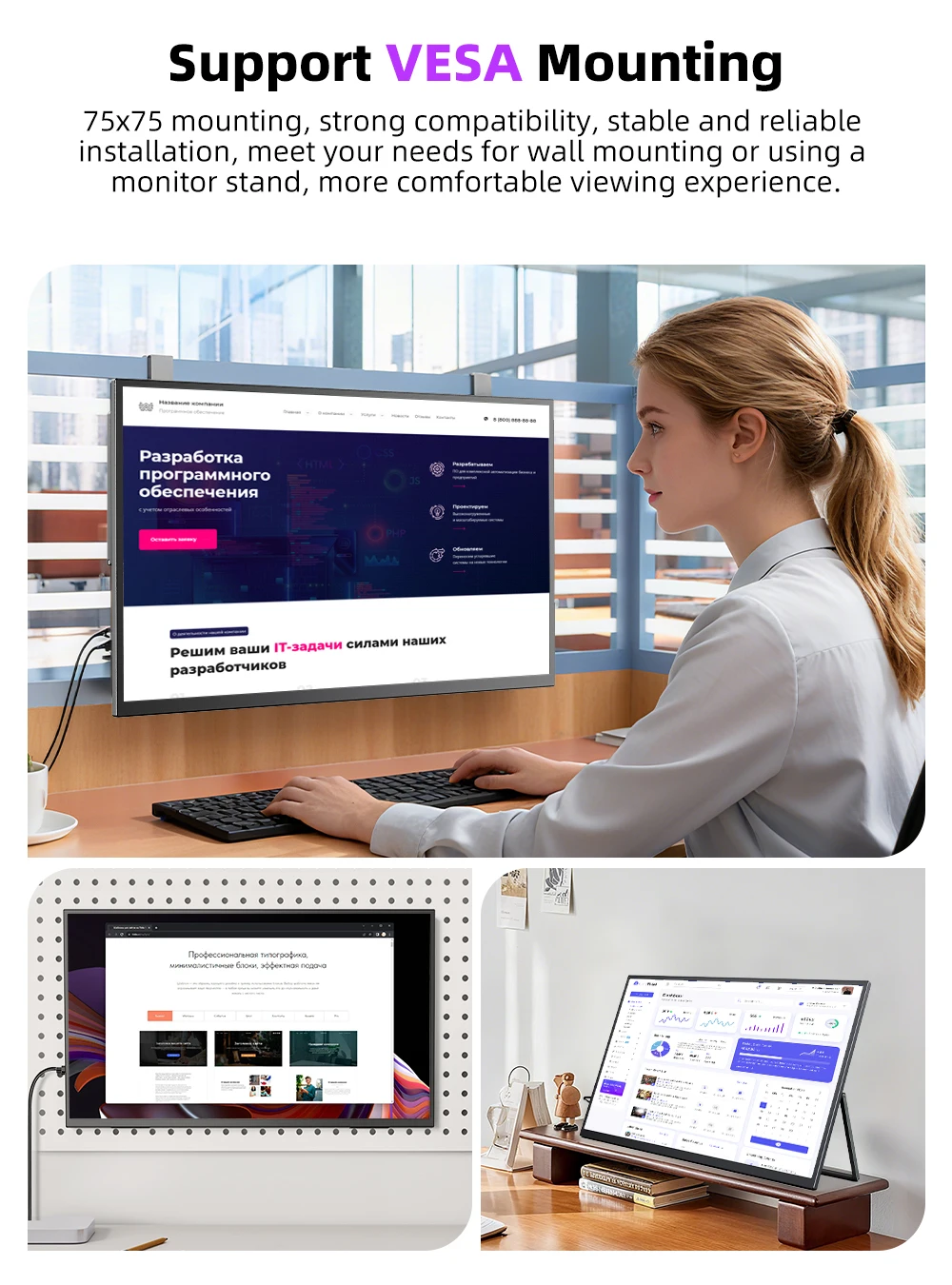
VESA:75mm*75mm
Screen Type: Mirror
Color: Black
Support Single Type-C Cable For Display & Power Device Model
- Mobile Phones Support USB 3.1:
For Samsung: Samsung Galaxy S8, S8+, S9, S9+, S10, S10+, S10e,S20,S20+,S20 Ultra,S21,S21+,S21 Ultra,S22,S22+,S22 Ultra, Note 8, Note 9,Note 10
For Huawei: P50 Pocket/40 Pro/40/30/20/10/9 Series, Mate X/Xs/X2/40 Pro/40/30/20/10/9 Series, Honor Note 10,Honor Magic V/3/Pro/Pro+/4/4 Pro/4 Ultimate;
For SONY: Xperia 1 / 1 II/1 III/1 IV/5/5 II/5 III/10 III/Pro/Pro-I;
For OnePlus: 7/7 Pro/8/8 Pro/9/9R/9 Pro;
For OPPO: Find X3 Pro/Reno 10x Zoom/Reno 5G/R17 Pro (OPPO RX17 Pro in Europe);
For LG: V60/V50/V40/V35/V30/V30+/V20 Series,G8/G7/G6/G6+(with Dec 2018 update)*functionality has not been tested*/G5 Series,Q8;
For HTC: 10/U Ultra/U11/U11+/U12+/U19e,Exodus 1;
For ASUS:ROG Phone/Phone II/Phone 3/Phone 5/Phone 5s Series,ZenFone 3 Ultra,ZenFone AR,ZenFone Ares;
For Motorola: Edge+/Edge S (China variant)/Moto G100 (global version for European market)/ Edge 20 Pro/30 Pro(global variant)/X30;
For Xiaomi: Black Shark 2/3/4;
For ZTE: Axon 9 Pro/10 Pro,Nubia Red Magic 6S Pro/7/7 Pro;
Others: BlackBerry Key2,BQ Aquaris X2,Essential Phone,Fairphone 4,Lenovo Legion Phone Duel/2 Pro/Duel 2,NOKIA 9 PureView, Microsoft Lumia 950/950 XL, HP Elite x3,Razer Phone/Phone 2,Fairphone 4;
*NOTE: If you can not find your devices above, please use IOS/Android to HDMI Adapter for connecting
- Laptops Support Thunderbolt 3 or USB 3.1:
For Apple: Apple MacBook Pro (Late 2016) and newer,Apple MacBook Air (Late 2018) and newer ;
For Huawei: MateBook D/X/X Pro/E/13, MagicBook;
For ASUS: ZenBook, U4100UN, U5100UQ, ROG Series;
For HP: EliteBook Folio G1, Spectre 13,ZbookZbook Studio;
For Dell: G3/G5/G7 Series, Inspiron 5000/7000 Series, XPS12/13/15;
For Lenovo: Thinkpad E580/T470/T470s/T480/T480s/X1 Carbon (2017-2019);
For MIUI: Air 12.5"/133.3", Pro 15.6", MI Game NoteBook
For Google: ChromeBook Pixels
For Razer: Blade Stealth Series (All)
For Microsoft: Surface Book 2
Others: Acer Swift 5,MSI GS60 6QE,Gigabyte Aero 15x/15 x9/15 y9;
*NOTE: If you can not find your devices above, please use mini HDMI cable instead.
Q:How to get touch function?
A:1. When the devices you connect with the monitor own a Type-C 3.1 port, you can get the touch function just using a C-C cable to connect.
2. When you connect the device with the monitor through mini HDMI port, please use the A-C cable to plug in the Type-C port on the monitor for the touch function. And don’t forget to plug in power adapter.
3. When connect to phones without Type-C 3.1 port or iphone, you would need an ios/android to HDMI adapter and a mini HDMI to HDMI adapter to connect to the monitor for signal transmission. And please check what the port is on your devices and note that there will be NO TOUCH function in this case. Please make sure you don’t mind before you place an order.
4. We recommend you to plug in the original power adapter to get sufficient power for the monitor and work smoothly. Or it would have some issues such as flickering, on-and-off and so on.
Q:Abnormal conditions occurred - like the splash screen or spotswhen using the monitor.The monitor is constantly restarting.
A: 1.It is caused by an insuncient power supply. Monitor required large powersupport.Please use the attached genuine cable provided to power the monitor.
2.lf use the mobile power bank to power the monitor, please con rm whether themobile power bank is a PD power bank that has reached 30W or more.Please contactus if you need a power bank.
3.lf the resolutions above do not work, please try another computer device. If itfailed, please contact us for the replacement of the cable.
Q: Why doesn't 2k resolution work when connected to my device?
A:1.Double-check the resolution settings on both the display and the connecteddevice to ensure they are set to 2K resolution.
2.Verify that the cables and ports used are capable of supporting 2K resolution.
3.Update the display drivers and graphics card drivers to the latest versions.
lf none of the above steps work, contact the UPERFECT customer support for furtherassistance.
Q: The monitor fails to start and the screen is blank.
A: 1.Please TURN ON the power supply.
2.Please check whether the connection is correct. Please unplug the cable andreconnect.Please use the genuine cable and the power adapter.
Note: Most Samsung mobile phones can not power for the monitor, please power themonitor with an additional power adapter.
3.Please contact us if the troubleshooting above does not help.
Q: The display is TURN-ON, shows "NO SIGNAL" or "POWER SAVING".
A: 1.Please check if the mobile phone supports USB3.1./Thunderbolt 3.when you areusing Type-C to Type-C to connect the monitor and the mobile phone.An HDMI adapter is required to transfer the signal if your mobile phone does not supportUSB3.1./Thunderbolt 3.
2.Please check whether the connection is correct.Please use the genuine cableprovided.
3.Please try another computer.If it failed, please contact us for the replacement ofthe cable.


